Run an nbn® service test in My Account
Got an issue with your nbn service? You can run a service test in My Account once every 30 minutes.
Tip: You don't need to use a device that's connected to your nbn service to run the test. You can use your phone or any other device that's connected to another internet service.
- Make sure that the modem for your nbn service is turned on. We recommend checking for outages and turning your modem off for 60 seconds then turning it back on again before running the test.
- Log in to My Account and select your nbn service.
- On the main My Account Dashboard, select Test My Connection.
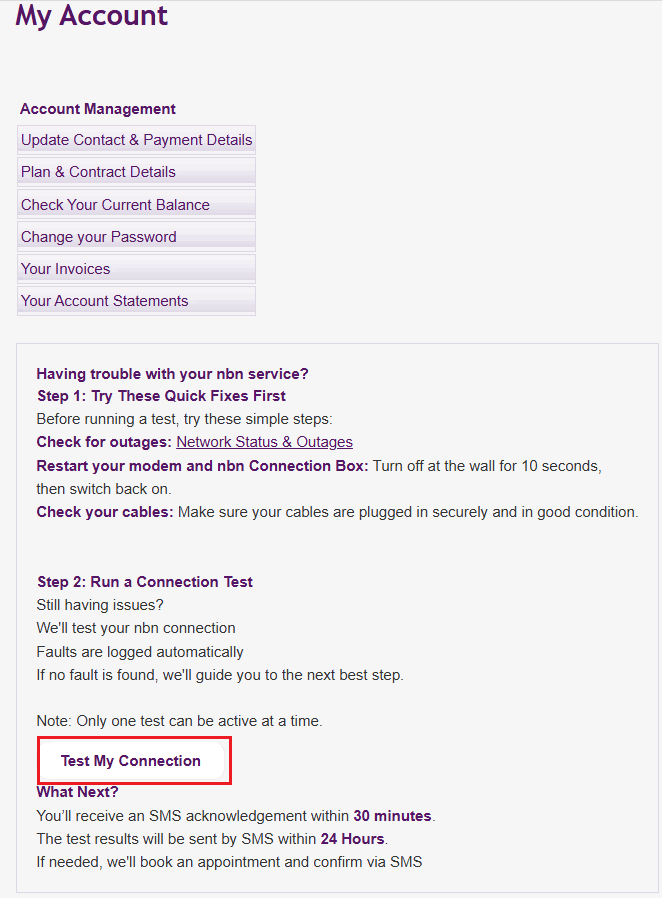
- An SMS will be sent to the contact mobile number on your TPG account with information about the results of the test and the next steps to take.